

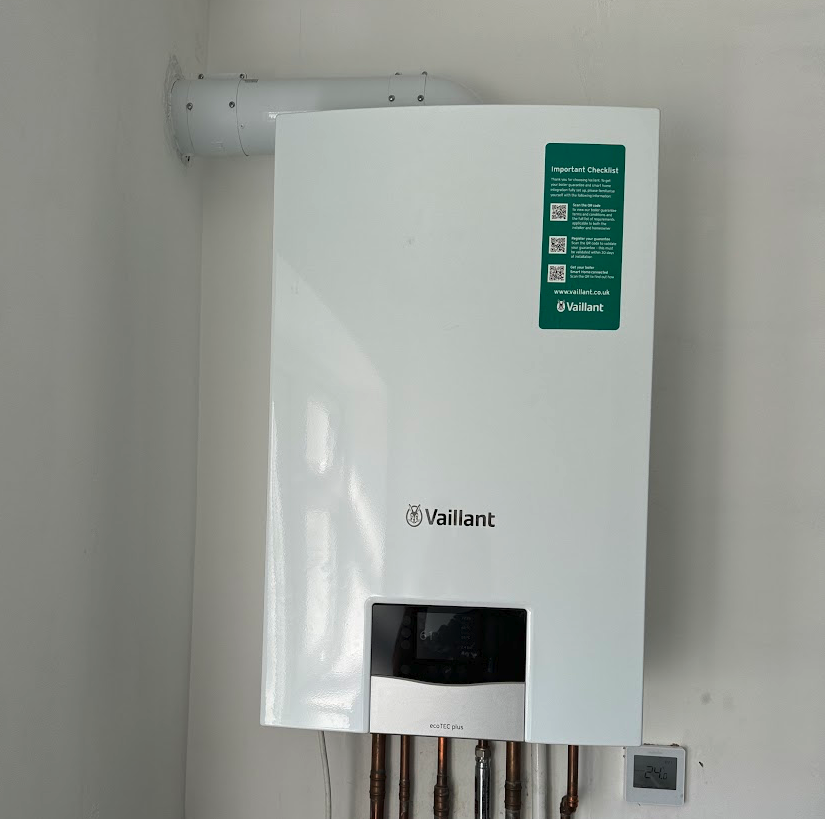
Controls that are lit in colour can be pressed. Change a number by tapping the top or the bottom of the scrollbar. A new number is saved only after you press the flashing control to confirm.
- If the status display is showing, press the control that opens the basic display.
- From the basic display, press the heating control. That is the control for the flow temperature.
- Set the flow temperature with the scrollbar.
- Press the flashing control to confirm.
Look up your exact model on Boiler Manuals if the fascia does not match. Then return to the Vaillant flow-temperature page or the Boiler Optimiser.