

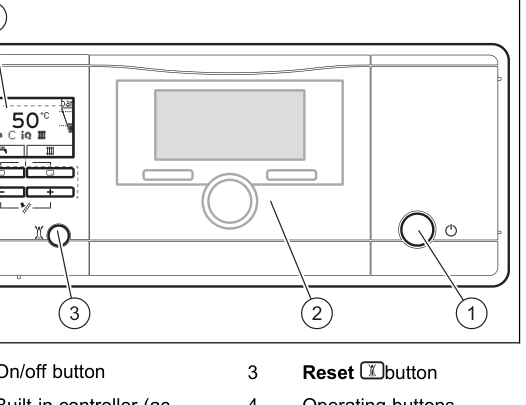
Set the heating flow
Adjustable values flash on the display. A change is saved only after you confirm it. Typical target is about 55°C if the house still warms. An installer may already have limited the maximum.
- Press the heating button on the display (the right-hand selection button, radiator symbol). The target heating flow temperature appears.
- Press + or − until the display shows the flow you want.
- Press the heating button again to confirm. Wait until the value stops flashing.
If the round controller in the middle is running the heating, that figure is the highest flow the boiler will allow. Set about 55°C here, then set the room temperature on the controller.
If your Exclusive has two temperature dials instead of this fascia, use the ecoTEC before 2012 steps.
Look up your exact model on Boiler Manuals if the fascia does not match. Then return to the Vaillant flow-temperature page or the Boiler Optimiser.