

Energy, Energy 2, Energy 7, Ultimate 2, Easicom 3 and Betacom 4 share this fascia: a small screen with mode, minus, plus and a power button.
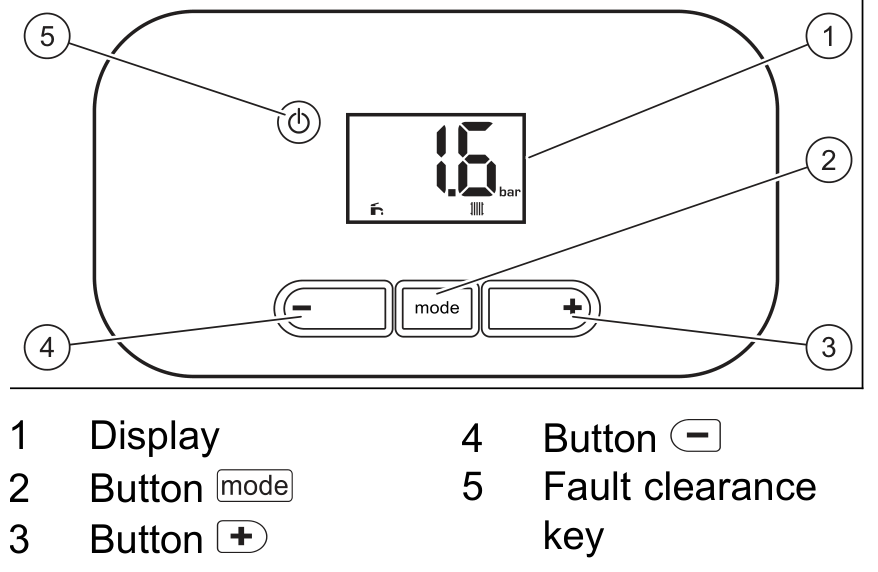
- Press mode until heating is on — radiator only, or radiator plus tap.
- Press minus to lower the flow, or plus to raise it, then press mode to confirm. If heating and hot water are both on, confirm hot water first, then the flow.
- Stop around 55°C if the house still warms. Add time on the programmer if rooms take longer to come up.
Look up your exact model on Boiler Manuals if the fascia does not match. Then return to the Glow-worm flow-temperature page or the Boiler Optimiser.